

Smart Business Tools: Connect, Share, and Stay Accessible
Discover how a Digital Business Card with Physical NFC Card and QR-BELL can make everyday business and visitor interactions simpler.
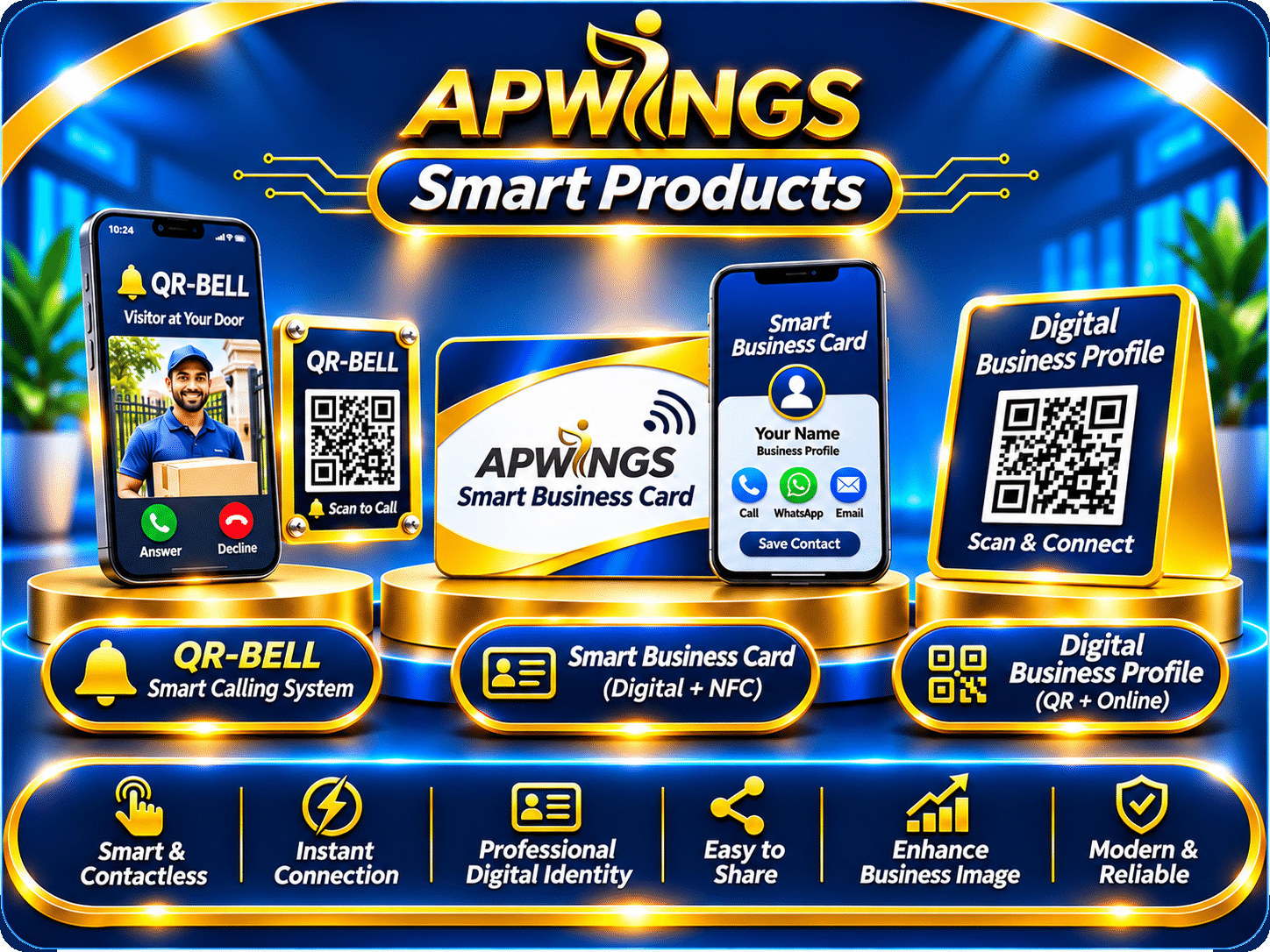
Useful smart tools connect physical touchpoints with digital information. Instead of relying only on printed contact details or missed doorbell visits, businesses can provide convenient ways to share information and connect.
What makes a business tool smart?
A smart tool solves a real task with fewer steps. It should be easy for customers to use, straightforward for owners to manage, and designed with privacy and accessibility in mind.
Two AP WINGS smart products to know
Digital Business Card
Share a digital profile with your contact information and business details through a convenient link or QR code.
Physical NFC Card
A physical companion to the digital business card: compatible phones can tap the card to open the linked digital profile.
QR-BELL
A QR-based contact and visitor interaction tool that lets someone scan a code and reach the relevant QR-BELL screen.
Useful for different situations
Use a digital business card during networking and QR-BELL where visitors need a simple way to initiate contact.
Privacy and accuracy matter
Keep published details current and decide which personal information should be visible to visitors.
Physical and digital experiences can work together
A printed or physical touchpoint is easy to notice; a digital destination is easier to update. Combining the two can reduce friction when sharing business details or enabling a visitor to connect.
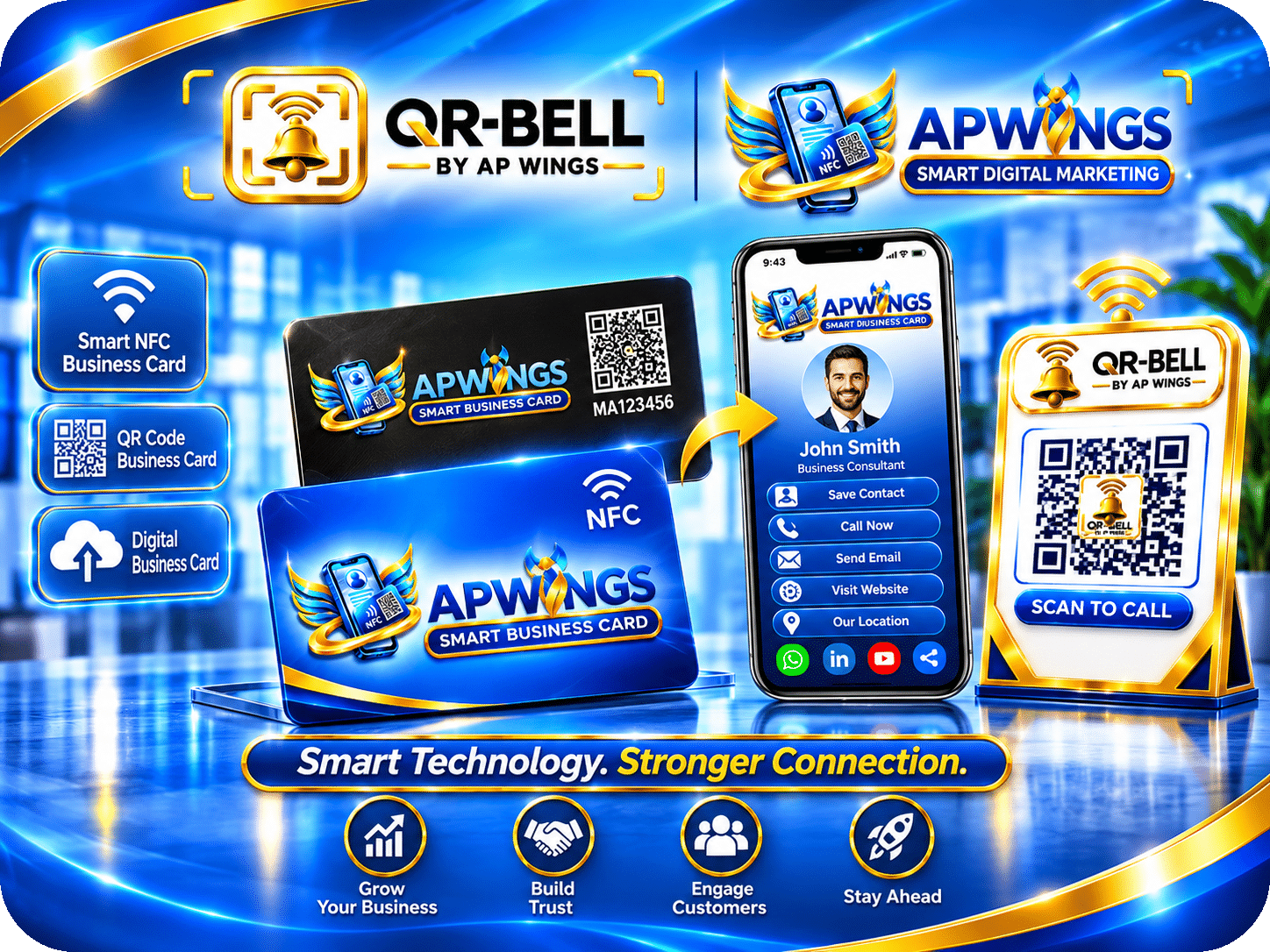
How to choose the right smart tool
- Identify the interaction you want to improve: networking, sharing details, or visitor contact.
- Decide which information visitors need to see and which should remain private.
- Test the QR code or NFC interaction on compatible devices.
- Make sure the destination is mobile-friendly and easy to understand.
- Review the content regularly and update details when they change.
Explore smarter ways to connect with customers and visitors
Learn more about AP WINGS Smart Products, including the Digital Business Card with Physical NFC Card and QR-BELL.
Explore Smart Products ↗NFC requires a compatible device. QR-based experiences require a working camera/scanner and internet access where applicable.
स्मार्ट बिज़नेस टूल्स से संपर्क और जानकारी साझा करना आसान बनाएँ
जानिए कि फिजिकल NFC कार्ड के साथ डिजिटल बिज़नेस कार्ड और QR-BELL रोज़मर्रा के संपर्क को कैसे सुविधाजनक बना सकते हैं।
उपयोगी स्मार्ट टूल्स वास्तविक दुनिया के संपर्क को डिजिटल जानकारी से जोड़ते हैं। इनके माध्यम से व्यवसाय अपनी जानकारी आसानी से साझा कर सकते हैं और आगंतुकों के लिए संपर्क शुरू करना सरल बना सकते हैं।
किसी बिज़नेस टूल को स्मार्ट क्या बनाता है?
अच्छा स्मार्ट टूल किसी ज़रूरी काम को कम चरणों में पूरा करने में मदद करता है। उसे ग्राहकों के लिए इस्तेमाल करना आसान और मालिक के लिए प्रबंधित करना सुविधाजनक होना चाहिए।
AP WINGS के दो प्रमुख स्मार्ट प्रोडक्ट्स
डिजिटल बिज़नेस कार्ड
लिंक या क्यूआर कोड के माध्यम से अपनी संपर्क जानकारी और व्यवसाय का परिचय साझा करें।
फिजिकल NFC कार्ड
यह डिजिटल बिज़नेस कार्ड का भौतिक साथी है। उपयुक्त फ़ोन से कार्ड टैप करने पर संबंधित डिजिटल प्रोफ़ाइल खुल सकती है।
QR-BELL
क्यूआर कोड आधारित संपर्क व्यवस्था, जिससे आगंतुक कोड स्कैन करके संबंधित QR-BELL स्क्रीन तक पहुँच सकते हैं।
अलग-अलग उपयोग
डिजिटल बिज़नेस कार्ड नेटवर्किंग के लिए और QR-BELL आगंतुकों द्वारा संपर्क शुरू करने के लिए उपयोगी हो सकता है।
गोपनीयता और सही जानकारी
सार्वजनिक रूप से दिखने वाली जानकारी सोच-समझकर चुनें और विवरण समय-समय पर अपडेट करें।
भौतिक और डिजिटल अनुभव एक साथ
भौतिक कार्ड या स्टिकर आसानी से दिखाई देता है, जबकि उससे जुड़ी डिजिटल जानकारी को अपडेट करना सुविधाजनक होता है। दोनों को जोड़कर संपर्क की प्रक्रिया सरल बनाई जा सकती है।
अपने लिए सही स्मार्ट टूल कैसे चुनें
- पहले तय करें कि आप किस काम को आसान बनाना चाहते हैं।
- कौन-सी जानकारी सार्वजनिक होगी और कौन-सी निजी रहेगी, यह तय करें।
- क्यूआर कोड या NFC सुविधा को उपयुक्त उपकरणों पर जाँचें।
- सुनिश्चित करें कि खुलने वाला पेज मोबाइल पर ठीक काम करता है।
- बदलने पर संपर्क और व्यवसाय संबंधी जानकारी अपडेट करें।
ग्राहकों और आगंतुकों से जुड़ने के स्मार्ट तरीके अपनाएँ
AP WINGS के डिजिटल बिज़नेस कार्ड, फिजिकल NFC कार्ड और QR-BELL के बारे में और जानें।
स्मार्ट प्रोडक्ट्स देखें ↗NFC सुविधा के लिए उपयुक्त उपकरण चाहिए। क्यूआर आधारित सुविधा के लिए कैमरा या स्कैनर तथा जहाँ आवश्यक हो इंटरनेट की उपलब्धता ज़रूरी है।
Smart Business Tools से Connect और Share करना बनाइए आसान
Digital Business Card with Physical NFC Card और QR-BELL आपके business और visitor interactions को कैसे आसान बना सकते हैं, जानिए।
Smart tools physical interactions को digital information से connect करते हैं। इससे business details share करना और visitors के लिए contact शुरू करना ज़्यादा convenient हो सकता है।
एक Business Tool को Smart क्या बनाता है?
अच्छा smart tool किसी real task को कम steps में complete करने में help करता है। Customers के लिए easy और owner के लिए manageable होना important है।
AP WINGS के दो मुख्य Smart Products
Digital Business Card
Link या QR code से अपना digital profile, contact details और business information share कीजिए।
Physical NFC Card
Digital Business Card का physical companion; compatible phone से tap करने पर linked profile खुल सकता है।
QR-BELL
QR-based visitor contact tool जिसमें code scan करके संबंधित QR-BELL screen तक पहुँचा जा सकता है।
Different Use Cases
Networking के लिए Digital Business Card और visitor contact के लिए QR-BELL useful हो सकते हैं।
Privacy और Accuracy
Publicly visible information carefully select कीजिए और details updated रखिए।
Physical और Digital Experience को साथ जोड़िए
Physical card या QR sticker आसानी से notice होता है और linked digital destination को update करना convenient रहता है। दोनों मिलकर contact process को simple बना सकते हैं।
Right Smart Tool कैसे Choose करें?
- पहले decide कीजिए कि networking, details sharing या visitor contact में क्या improve करना है।
- Public और private information अलग तय कीजिए।
- QR code या NFC interaction compatible devices पर test कीजिए।
- Destination page mobile-friendly रखिए।
- Business और contact details regularly update कीजिए।
Customers और Visitors से Connect करने का Smart तरीका चुनिए
AP WINGS के Digital Business Card with Physical NFC Card और QR-BELL को explore कीजिए।
Explore Smart Products ↗NFC के लिए compatible device चाहिए। QR experience के लिए camera/scanner और जहाँ ज़रूरी हो internet access चाहिए।